

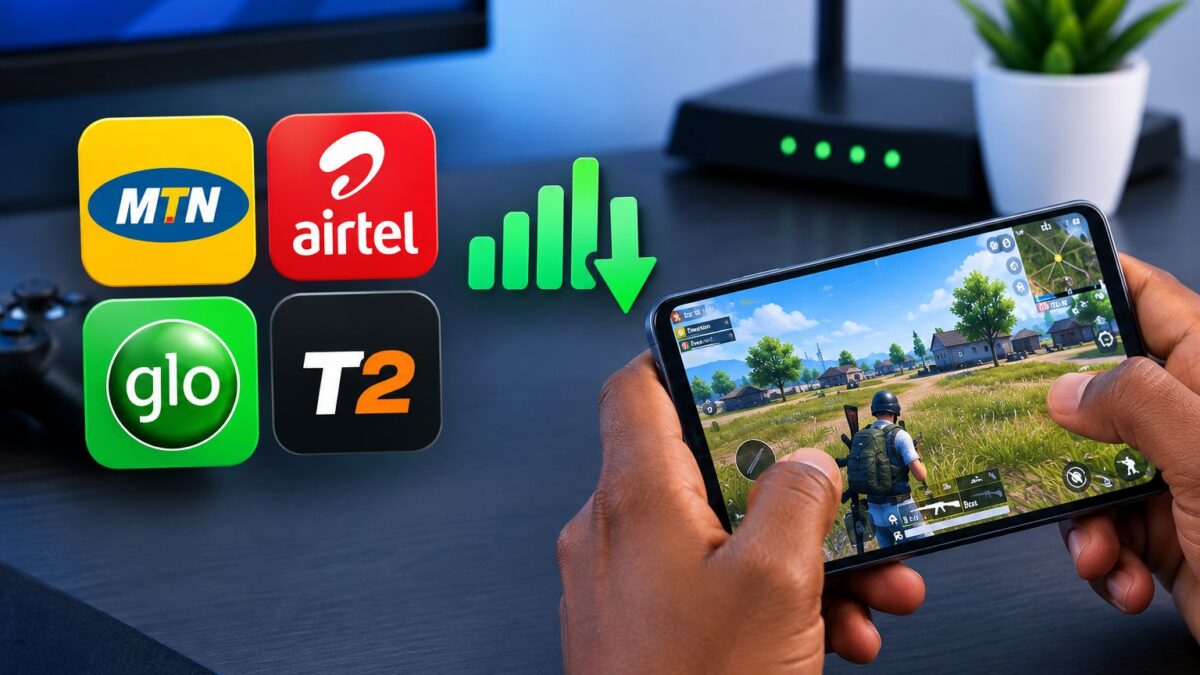
Your gaming ping on MTN, Airtel, Glo or T2 depends far more on latency, jitter and how busy your local tower is than on how fast your data downloads, and the regulator’s own numbers show it. In its February 2026 network comparison, the Nigerian Communications Commission put the national median game latency at 32 ms, down from 35 ms in August 2025, yet its June 2026 quality-of-experience report shows the same connections more than doubling their delay once evening traffic builds up.
That gap between quiet-hour ping and peak-hour ping is where most of the lag you feel in “PUBG Mobile”, “Call of Duty: Mobile” or “Free Fire” comes from. You can’t rebuild a tower, but you can choose the right SIM for where you play, pick a closer game server, stop your phone from hopping between 4G and 5G, and keep other apps off your data while a match is running. Work through the checks below in order, because the early ones usually make the biggest difference.
Why your gaming ping doubles at night, even when your signal looks full
The NCC and Ookla measured two kinds of latency across Nigeria’s six geopolitical zones. Idle latency is the delay you get during quiet hours, while loaded latency is the delay your connection shows when the network is carrying heavy traffic, which is exactly what happens when everyone around you gets home and starts streaming, scrolling and downloading. The difference is big enough to change how a shooter feels.
| Geopolitical zone | Idle latency (quiet hours) | Loaded latency (peak traffic) |
|---|---|---|
| South-West | 42 ms | 88 ms |
| South-South | 48 ms | 105 ms |
| North-Central | 55 ms | 124 ms |
| South-East | 61 ms | 142 ms |
| North-West | 74 ms | 185 ms |
| North-East | 89 ms | 210 ms |
If you play from the North-West or North-East, peak-hour ping can climb well past the point where close-range fights feel fair, so the time you queue for ranked matters almost as much as the SIM in your phone. Players in the South-West and South-South have more headroom, but even there the evening figure is roughly double the quiet-hour one. Jitter, which is how much your ping swings from one second to the next, fell nationally from 12 ms to 10.5 ms between August 2025 and February 2026, and it’s the number that decides whether enemies move smoothly or seem to teleport around corners.
MTN, Airtel, Glo and T2 don’t handle gaming ping the same way
Each network has a different strength, and knowing it helps you decide which SIM carries your ranked matches and which one handles downloads. Your street can still behave differently from the national picture, so treat the notes below as a starting point and confirm them with your own tests later in this guide. If you want the price and coverage side of the decision too, see how MTN and Airtel compare on speed, price and coverage for gamers.
MTN sets the ping benchmark, but its towers get crowded
The NCC names MTN as the benchmark for technical quality, and its 2025 network performance analysis credited the network with good latency and jitter values nationally. The trade-off is that MTN carries the biggest subscriber base, so dense areas can slow down badly in the evening. If MTN signal is strong where you play, it’s usually the safest SIM for ranked matches, but run a test at your normal gaming time before you assume it.
Airtel downloads fast, so watch what its 5G does to your ping
Airtel’s download speeds sit close to MTN’s in many cities, but the same NCC analysis found it trailing on latency, and it noted that Airtel’s 4G was performing better than its 5G. The February 2026 comparison showed Airtel and T2 making the most progress in closing the jitter gap with MTN, which is good news for gamers. If you’re on Airtel 5G and your ping keeps jumping, locking the phone to 4G (covered below) is the first thing to try.
Glo works better for downloading updates than for ranked matches
The NCC’s February 2026 report says Glo has the most room for improvement in network stability for high-demand users, and its earlier analysis linked Glo’s weaker experience mainly to latency and jitter. That doesn’t make Glo useless for gaming. It makes a lot of sense as a second SIM for big patches, resource packs and game downloads, while your steadier network handles the actual matches.
T2 now rides on MTN’s network in many places
T2, the current name of 9mobile, scored poorly on latency and jitter in the NCC’s 2025 data. Since 1 October 2025, however, the regulator’s network performance reports note that T2’s results reflect a national roaming arrangement with MTN. In practice, that means your T2 traffic may travel over MTN’s network in many areas, so your ping could look far closer to MTN’s than it did in the old 9mobile days. Test it where you actually play before trusting it with a ranked push, because roaming coverage and T2’s own sites won’t behave identically everywhere.
Pick the closest game server before you touch any phone setting
No SIM swap can fix a match that’s being played on a server thousands of kilometres away, because your shots still have to cross undersea cables to Europe or the Middle East and back. “PUBG Mobile” launched local servers in Nigeria and South Africa in July 2025, along with a Server Node Selection option in matchmaking that lets you choose between playing within Africa or against global players. “Call of Duty: Mobile” got its dedicated Nigeria server in December 2023, built with Carry1st.
Check the server or region option in your game’s lobby or matchmaking screen and compare the ping each one shows. If your ping stays high all day, even at 7 am on a full signal, the problem is almost always the server distance rather than your network. For a wider look at the two biggest battle royales here, read which of PUBG Mobile and CODM actually dominates in Nigeria.
Stop the 4G and 5G switching that spikes your ping mid-match
The NCC’s June 2026 5G reality report found that 5G-ready phones in Lagos were actively on 5G only about 46% of the time, and about 53.1% of the time in Abuja. The rest of the time they fall back to 4G or older networks, and each handover can cause a ping spike or a short freeze in the middle of a fight. The regulator’s own February 2026 report encourages consumers to prioritise 4G/LTE for critical tasks, since it currently offers the best balance of availability and consistency.
On stock Android, open Settings > Network and internet > SIMs, tap your data SIM and set Preferred network type to LTE or 4G. On Samsung phones, go to Settings > Connections > Mobile networks > Network mode. On Infinix, Tecno and itel phones the option usually sits under Settings > SIM cards and mobile networks, and if your menu is different, search for “network type” inside Settings. On an iPhone, open Settings > Mobile Service > Mobile Data Options > Voice and Data and choose 4G or LTE. You can switch back to 5G after your session if you want faster downloads.
On dual-SIM phones, also turn off automatic data switching, which lets the phone move your data to the other SIM when it thinks signal is better. Stock Android calls it Switch mobile data automatically, and Samsung lists it under Settings > Connections > SIM manager > Mobile data switching, though the name varies by build. A mid-match switch almost always drops you for a few seconds.
Keep your data line clear while a match is running
Anything else using your connection competes with your game packets, and that shows up as jitter. Set Play Store updates to Wi-Fi only through Play Store > your profile icon > Settings > Network preferences > Auto-update apps, and stop WhatsApp pulling in videos by opening WhatsApp > Settings > Storage and data > Media auto-download. Pause cloud photo backup during long sessions, and let your game finish downloading its own resource packs before you queue.
Check that VoLTE is switched on for your data SIM if your phone and plan support it, usually under the same SIM settings screen as the network type. Without VoLTE, an incoming call can push the phone onto an older network and pause your data, which is enough to get you knocked out of a match. Turning on your phone’s game mode or Do Not Disturb also helps by blocking pop-ups that pull you out of the game.
Weak signal and a hot phone make lag feel much worse
The NCC’s report on network impact on battery life and device temperature found that weak signals and congestion push phones to drain faster and run hotter. Once a phone heats up, it slows its own processor to protect itself, so your frame rate drops at the same time your ping rises, and the two together feel like heavy lag.
Play near a window or on a higher floor when you can, and don’t grip the phone in a way that covers the top and bottom edges where the antennas usually sit. Take off a thick case during long sessions, avoid gaming while fast charging, and lower graphics settings a step if the phone gets hot to the touch. A cooler phone on a stronger signal holds a steadier ping for a full match.
Test your ping properly so you know which SIM to trust
Download speed tells you very little about gaming, so look at ping and jitter instead. Run Speedtest by Ookla on each SIM at the time you normally play, repeat it three or four times, and note the lowest steady ping and the jitter figure. After that, trust your game’s own ping indicator, because it measures the route to the actual game server rather than to a nearby test server.
As a rough guide, ping under about 50 ms feels sharp in most shooters, 50 to 100 ms is comfortable, and you’ll start to notice delayed hits and rubber-banding above 150 ms. Jitter that stays under 10 ms is good. Use the table below to match what you’re seeing with the likely cause.
| What you see | Likely cause | What to try first |
|---|---|---|
| Ping is high all day, even on full signal | Far-away game server or wrong region | Switch to the Africa or Nigeria server in the game’s lobby |
| Ping is fine in the morning but spikes in the evening | Tower congestion at peak hours | Test your other SIM at that time, or play ranked earlier |
| Ping jumps suddenly while the 5G icon flickers | Phone switching between 4G and 5G | Lock the data SIM to 4G/LTE |
| Enemies teleport and shots don’t register | High jitter or packet loss | Stop background downloads and move to a stronger signal spot |
| Short disconnects when someone calls you | Calls pushing data off 4G | Turn on VoLTE, or enable Do Not Disturb |
| Phone gets hot and the game slows down | Heat throttling plus weak signal | Remove the case, stop charging and lower graphics |
Home Wi-Fi, MiFi and consoles need a slightly different fix
Sharing your phone’s hotspot to a console or laptop adds another step between you and the server, so a dedicated 4G or 5G router usually holds a steadier ping. Place the router or MiFi by a window facing the nearest tower, and if you’re playing on a console, connect it with an Ethernet cable instead of Wi-Fi. When wired isn’t possible, use the 5 GHz band if you’re in the same room as the router and 2.4 GHz if there are walls in the way.
Ask anyone streaming on the same router to pause while you play a ranked match, or use your router’s QoS setting to prioritise your console if it has one. Be careful with VPNs and paid ping boosters, because they add their own route to your connection and many competitive games don’t allow VPN use at all. They can help in a few specific cases, but they’re not a fix for congestion or a weak signal.
What to change first if you want lower ping tonight
Start with the game server, because a closer server beats every phone tweak. After that, lock your data SIM to 4G if your 5G keeps flickering, turn off automatic data switching, and clear background downloads before you queue. Then test MTN, Airtel, Glo or T2 at your normal playing time and give your ranked matches to whichever one keeps the lowest, steadiest ping where you actually sit.
The practical aim isn’t to chase the smallest number on a speed test. It’s to get a ping that stays steady for a full 30-minute match, and on Nigerian networks that comes down to the server you pick, the hour you play and how much else is fighting your game for the same connection.







Join the conversation