

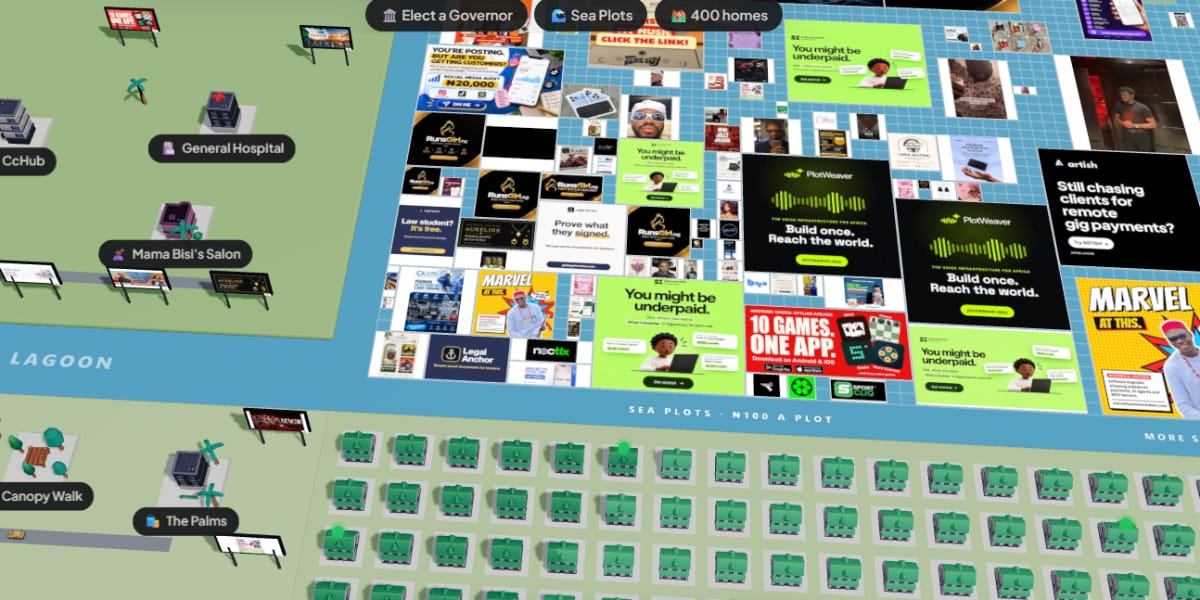
You can play Lagos Life on almost any smartphone in Nigeria, because it’s a free browser game that runs at lagoslife.app without a download, and it works on budget Tecno, Infinix and itel phones as well as iPhones and laptops. All you need is an up-to-date browser, a stable connection and an account, which the official Terms of Use say is only for players aged 18 and over.
With well over a million players crowding into the same city, though, a lot of people are running into slow loading, logouts and confusion about what the game does with their data. This guide covers setting up your account properly, keeping data use under control, getting the game running smoothly on a cheaper phone, fixing the most common loading problems and staying safe in the chats. Lagos Life is still in active development, so menus and features can change, as the recent Abuja and Port Harcourt update showed, but the basics below will keep you playing.
Set up your Lagos Life account the right way from day one
Open lagoslife.app in Chrome or Safari and sign up. The Terms say you’ll be asked for a display name, a username, an email address, a password and a man or woman choice for your avatar. Use an email address you actually check, because the Privacy Policy says email is used for account, security and support messages, and it’s your lifeline if you ever get locked out.
Pick a password you don’t use anywhere else, especially not your banking or email password. Lagos Life doesn’t currently offer Google or Facebook login, so the password you set is the only key to your account. The Terms also hold you responsible for activity on your account, which is one more reason never to share your login with a friend who wants to “help you grind”.
Once you’re in, save the game to your home screen so you don’t have to type the address every time. In Chrome on Android, tap the three-dot menu and choose Add to home screen or Install app, and on an iPhone, tap Share in Safari and choose Add to Home Screen. There’s no official APK or app store version, so this icon is the closest thing to a Lagos Life app and the safest one, and our guide to fake Lagos Life APKs and scams explains why.
Keep an eye on how much data Lagos Life uses
Because Lagos Life is a live multiplayer game, it keeps talking to its servers the whole time you’re playing, so long sessions on mobile data add up. The developer hasn’t published an official figure for data use, and it’ll vary with how much you move around, chat and visit busy venues, so the smart move is to measure it on your own phone.
On most Android phones, open Settings > Network and internet > Data usage (on Tecno and Infinix it’s often Settings > SIM cards and mobile networks > Data usage) and check how much Chrome used after a normal session. On an iPhone, look under Settings > Mobile Service and scroll to Safari. Since you’re playing in a browser, the game’s usage shows up under Chrome or Safari, not as a separate app.
To keep usage down, play on Wi-Fi when you can, close other browser tabs that might be streaming or refreshing in the background, and pause app updates and cloud photo backup while you play. If you’re on a tight bundle, set a data warning in that same data usage screen so your phone alerts you before your plan runs out mid-session.
Make Lagos Life run smoothly on a budget phone
A shared city full of players and animations can push a budget phone hard, especially one with 2GB or 3GB of RAM. Close other apps before you start, keep only the Lagos Life tab open in your browser, and restart the phone if it’s been on for days, because that clears memory that other apps have been holding on to.
Keep Chrome updated through the Play Store, since older browser versions can struggle with modern web games. If your phone has a battery saver or power-saving mode switched on, it may throttle the browser, so turn it off while you play and plug in if your battery is low. Heat also slows phones down, so take off a thick case during long sessions and avoid playing while fast charging.
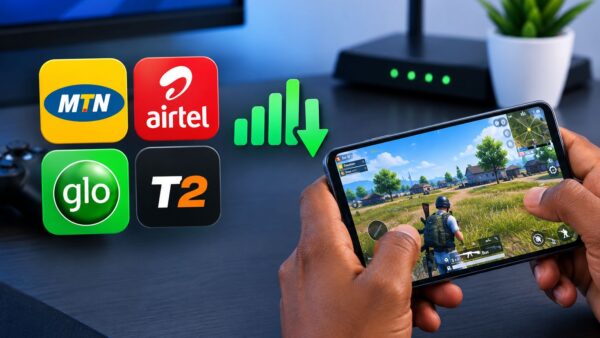
If the game feels laggy rather than slow, the problem is often your network, not your phone. Our guide to lowering lag on MTN, Airtel, Glo and T2 explains how to pick the steadiest SIM and stop your phone switching between 4G and 5G, and those tips work for browser games too.
Lagos Life not loading? Work through these fixes
Most loading problems in the first weeks come from sheer demand, since the game has been handling well over a hundred thousand players at once. Before you assume something is wrong on your side, wait a few minutes and refresh, and check the game’s official social accounts, which are listed on its official advertising page, for any notice about maintenance or outages. The Terms note that the game may have occasional maintenance and interruptions as it grows.
If it still won’t load, try the game’s second official address, lagoslife.eliysites.com, which the Terms list alongside lagoslife.app. Make sure your browser isn’t blocking cookies for the site, because the Privacy Policy says necessary cookies keep you logged in and that disabling them can stop parts of the game working. Private or incognito tabs can cause the same problem, since they clear cookies when you close them.
As a last step, clear the site’s stored data in Chrome by opening Settings > Site settings > All sites, tapping lagoslife.app and choosing Delete data. This logs you out, so make sure you know your password first. You don’t need a VPN to play, and using one can trigger the game’s automated security checks, which can add extra verification or temporary restrictions.
| What you see | Likely cause | What to try first |
|---|---|---|
| Page loads slowly or stops at a blank screen | Heavy traffic on the servers | Wait a few minutes, refresh, then try lagoslife.eliysites.com |
| Keeps logging you out | Cookies blocked or private browsing | Allow cookies for the site and use a normal tab |
| Game is choppy and the phone gets hot | Low RAM or heat throttling | Close other apps and tabs, remove the case, stop fast charging |
| Movement lags behind your taps | Unstable mobile network | Switch to Wi-Fi or a steadier SIM, lock to 4G |
| Extra checks or temporary restrictions | VPN or unusual activity flagged by security systems | Turn off the VPN and play normally |
| Debited for a top-up that never arrived | Payment didn’t complete in the game | Keep your payment reference and email support |
Your chats aren’t as private as you might think
Lagos Life has venue chats, direct messages and profiles, and it’s one of the most fun parts of the game. The Privacy Policy is clear, though, that messages are stored and can be reviewed to investigate reports and moderate content, and that you shouldn’t assume direct messages are end-to-end encrypted unless the game says so. Treat every chat like a public conversation and don’t type anything you wouldn’t want someone else to read.
Never share your phone number, home address, bank details, BVN or OTPs with other players. The Terms ban harassment, impersonation, fraud and sharing other people’s private information, and the game supports reporting and blocking, so use those tools if someone makes you uncomfortable or tries to move you off the game to “close a deal”.
It’s also worth knowing that the Privacy Policy says Lagos Life doesn’t currently collect your real GPS location, because your position on the map is a fictional in-game one. If a site claiming to be Lagos Life asks for your location, contacts or camera, that’s a strong sign you’re not on the official game.
Spending money in Lagos Life without regrets
Topping up is optional, and the game naira you buy or earn can’t be cashed out or exchanged for real money, according to the Terms. If you do buy, use only the in-game wallet, which is processed by Flutterwave, and keep your payment reference. Buying game naira or accounts from other players is against the rules and can lead to the balance being reversed and the account suspended. For the full rules, see how Lagos Life game naira really works.
Remember too that the game’s economy is still being balanced. The Terms allow prices, salaries, taxes and payouts to be adjusted, and the developer has said the team is working on inflation in the game, so a strategy that earns well today may change next week.
What to do if you want a clean break from the game
If you decide Lagos Life isn’t for you, you can ask for your account to be deleted. The Privacy Policy says deletion may start as a soft deletion, where the account becomes inaccessible while some records, such as transaction history and fraud-prevention data, are kept for a period. Requests and questions go to the official support address, support@lagoslife.app.
The practical aim is to enjoy the city without it costing you more than you planned in data, money or privacy. Set up your account with a real email, keep the game on your home screen, watch your data usage for the first few sessions, and keep your personal details out of the chats, and Lagos Life will stay a fun escape rather than a headache.







Join the conversation